
Affinity is Free. Relax.
Free Art Software is a Win/Win Situation

Affinity just released a completely free version of its art and design software. That kicked off more debate than I thought it would. Is it smart to dump my Adobe subscription and replace it with the free Affinity? Can it replace the industry standard? Does free Affinity come with some sort of catch?
All valid concerns, I’m sure. But while the debate rages, I downloaded the software and started digging around. Full disclosure, I’ve been using the reasonably-priced paid version of Affinity Suite for years now to create illustrations, color my comics, edit photos and graphics, etc. I’m comfortable with the software, so the jump to the free version felt more like a gift than a problem.
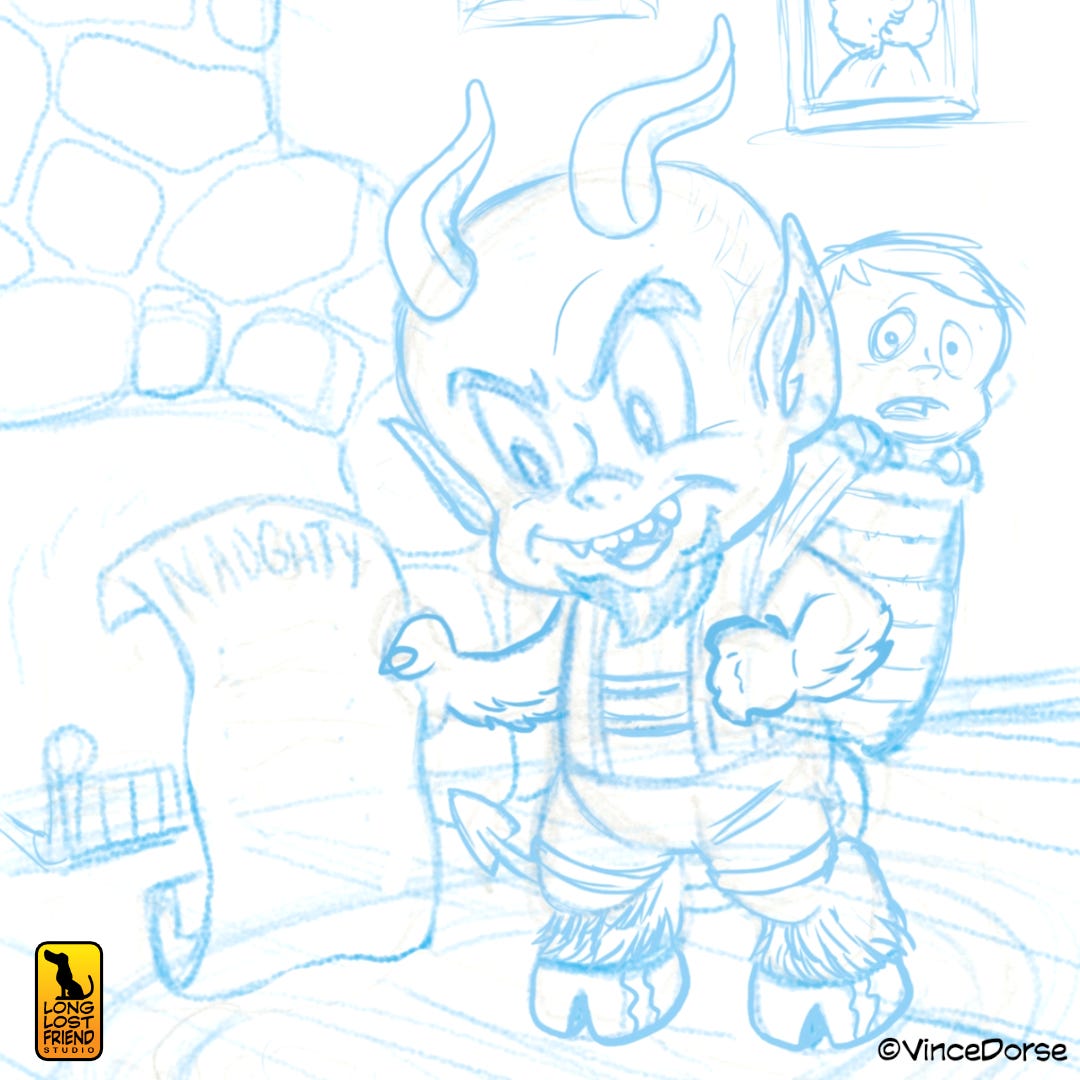
Affinity claims the free version gives you everything you already have in the paid version. So my next move was to open a new document and try to create a simple, cartoon illustration — something I’d normally get paid to do — to see if the free software could deliver on that promise.
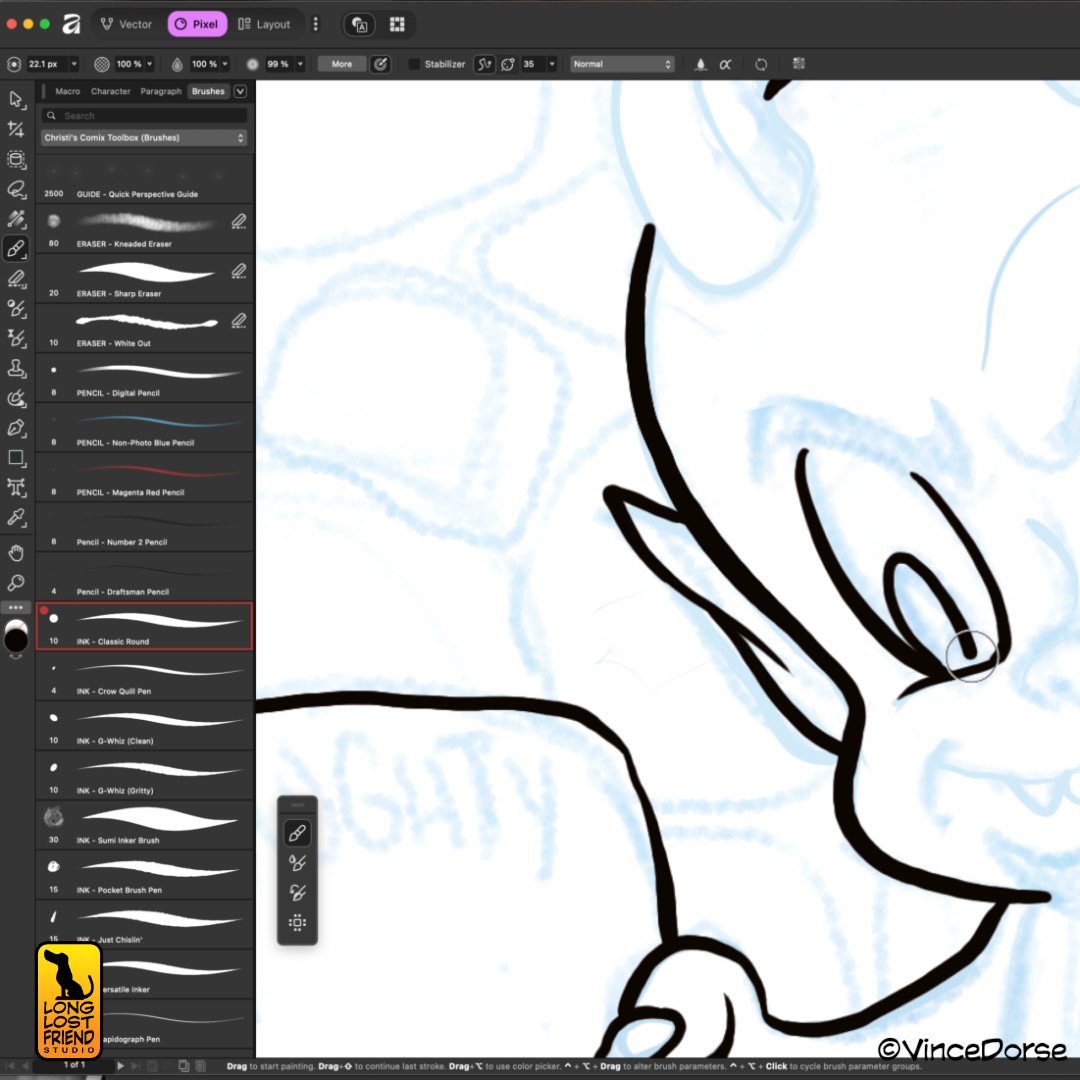
The user interface is similar, but not exactly the same. And while I’ve heard people complain about the new icons and nesting hierarchy, none of that presented enough of a hurdle to stop me from finding all the drawing tools I needed: pencils, inks, colors. Editing tools like transform worked the same. Eventually I worked with the text tools, and the photo editing functions as well. It’s all there, just like Affinity said.
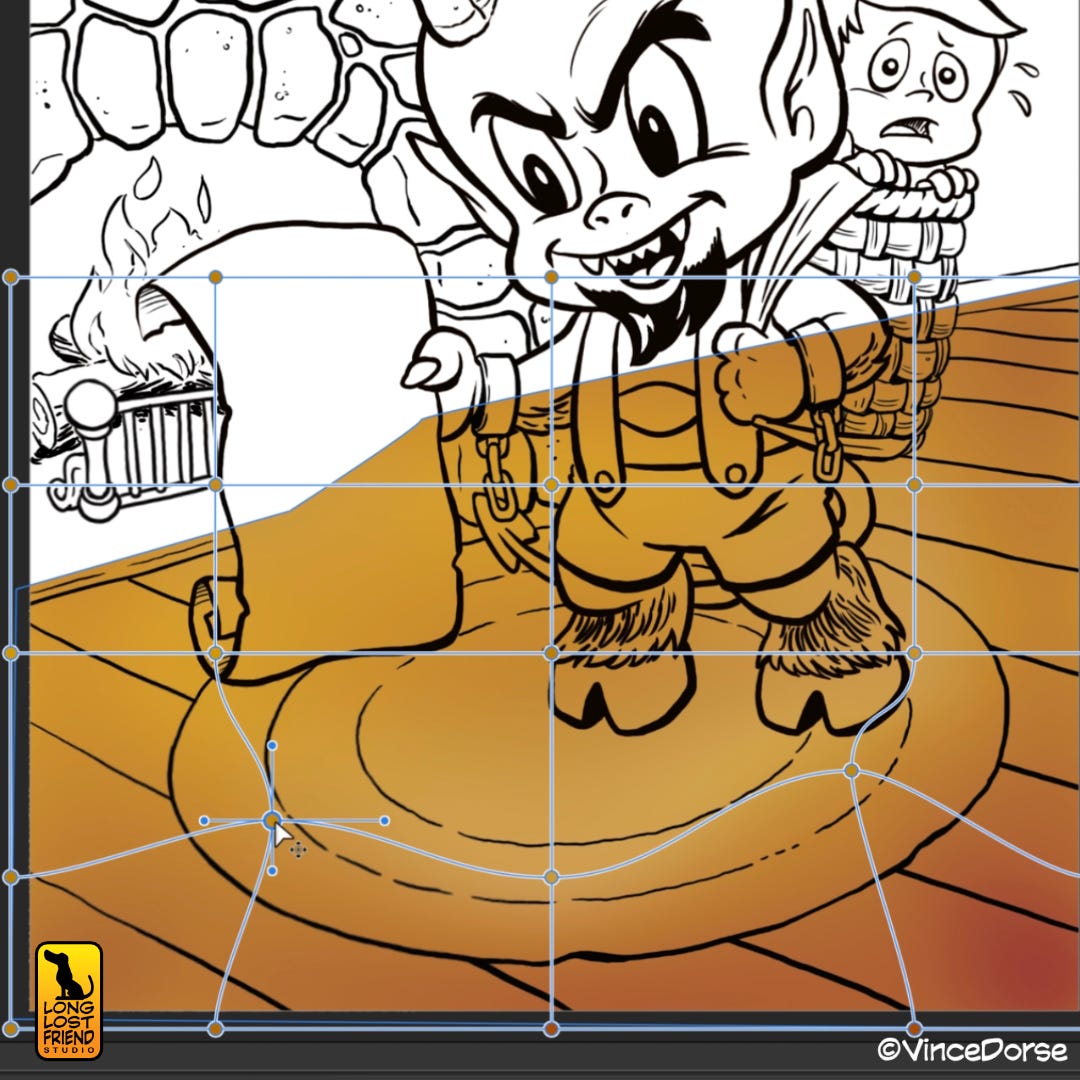
With the holidays breathing down our necks, I thought I’d put together a celebration of the good work the Krampus does to keep obstreperous children in line. And since I enjoy retro cartoons and comic books, I used Harvey Comic’s Hot Stuff as a kitschy base design for my Krampus. Since Affinity collected it’s three previously-separate apps into this one free version, it was nice to be able to switch from the raster-based Pixel profile into the vector-based Vector space when I needed to access different tools.
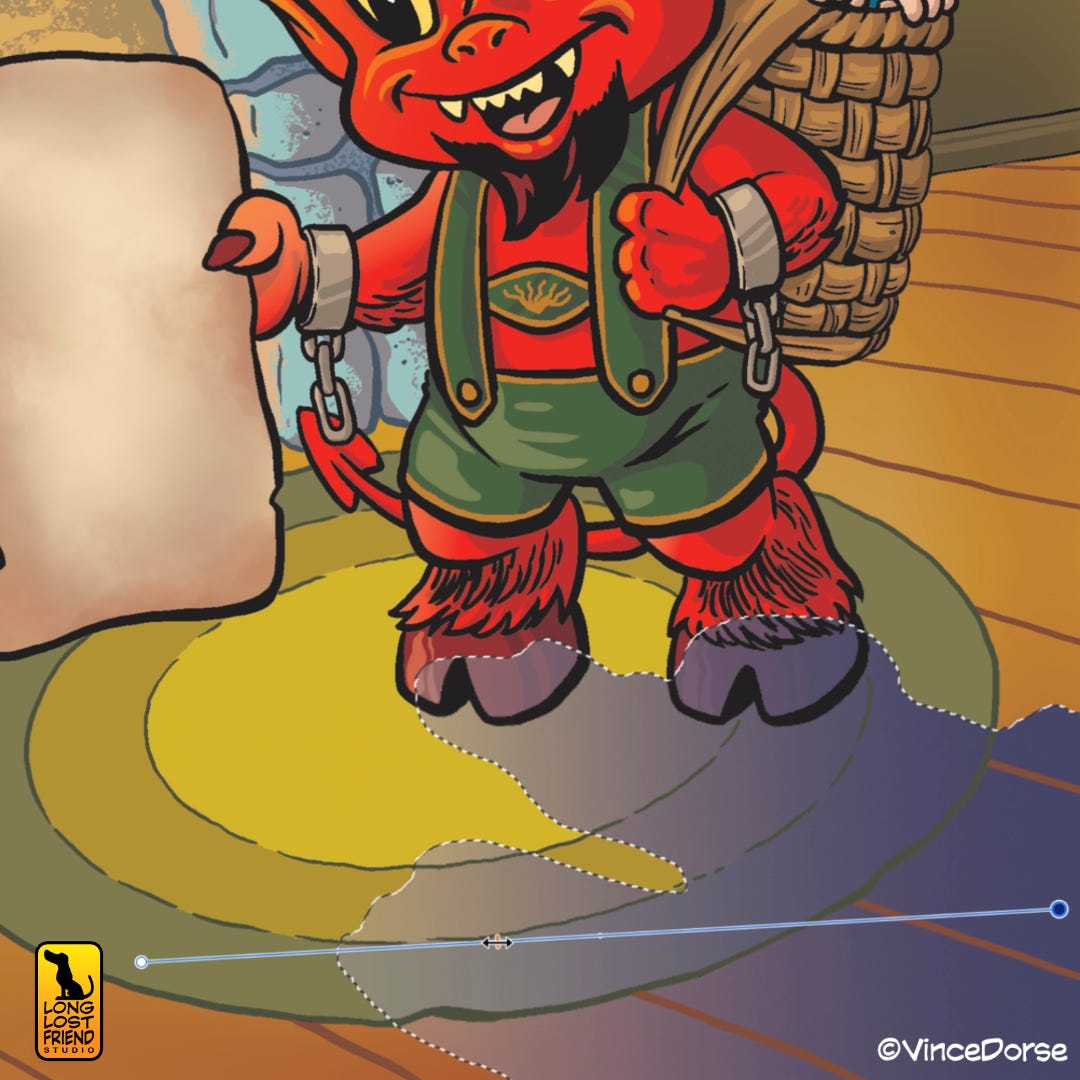
So, to address the various debates: Is there a catch? Canva, the software’s new owner, would certainly appreciate it if you subscribed to their ‘premium’ service, which gives you access to more features than what are currently available in free Affinity. Do I need those features? Most of them seem AI based and no, I’m good.
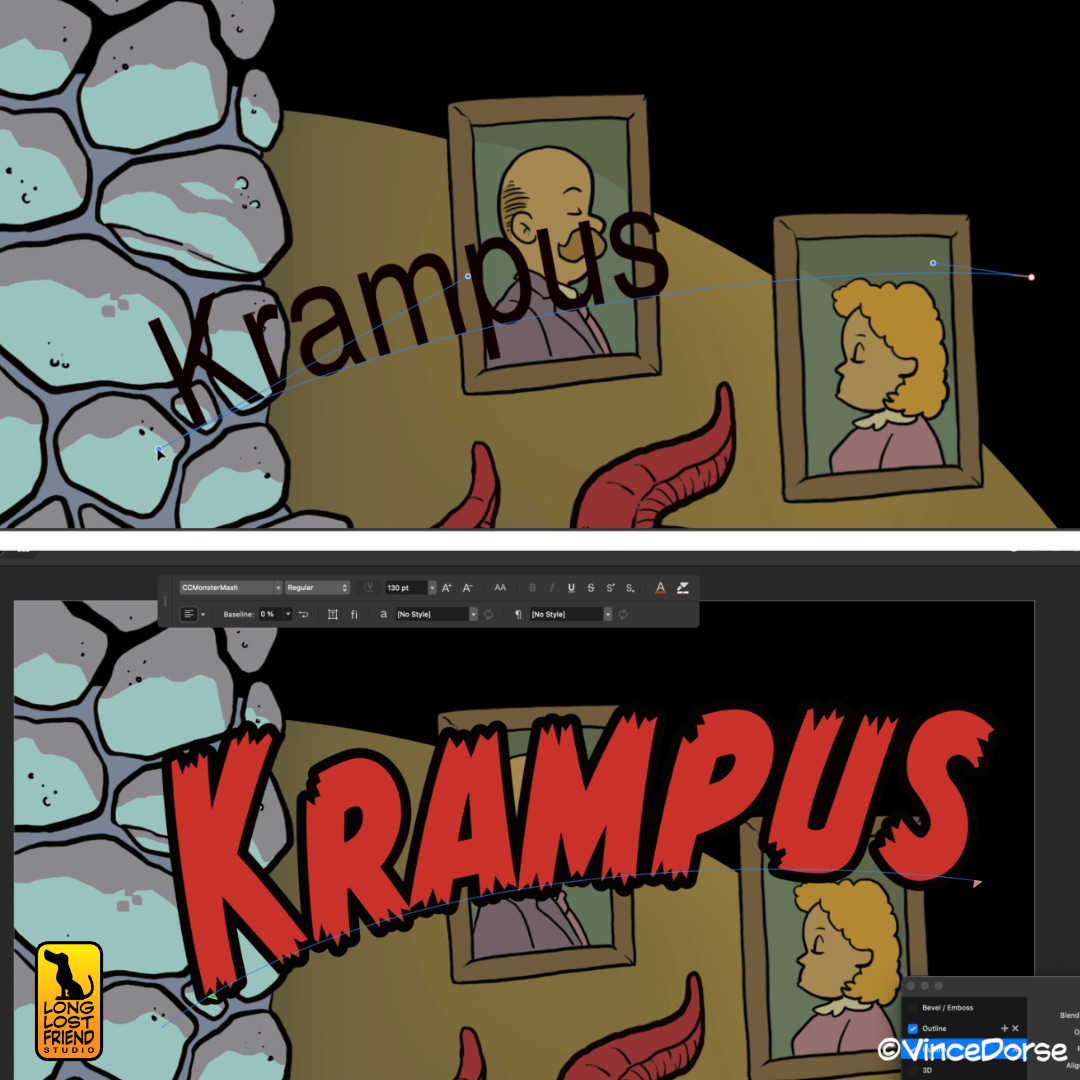
Should you abandon your Adobe Creative Cloud subscription for this free software? That’s a question each creator will have to answer for themselves. For me, having dropped Adobe years ago, I’ve found I can hand in all the jobs I’m hired for and the clients don’t even know (or care) how I created them. But I’m a solo freelancer. The situation may be different if you’re part of a network that depends on everyone using a standard suite of tools and apps to create and share work. But it shouldn’t stop you from downloading the free Affinity and taking it for a spin.
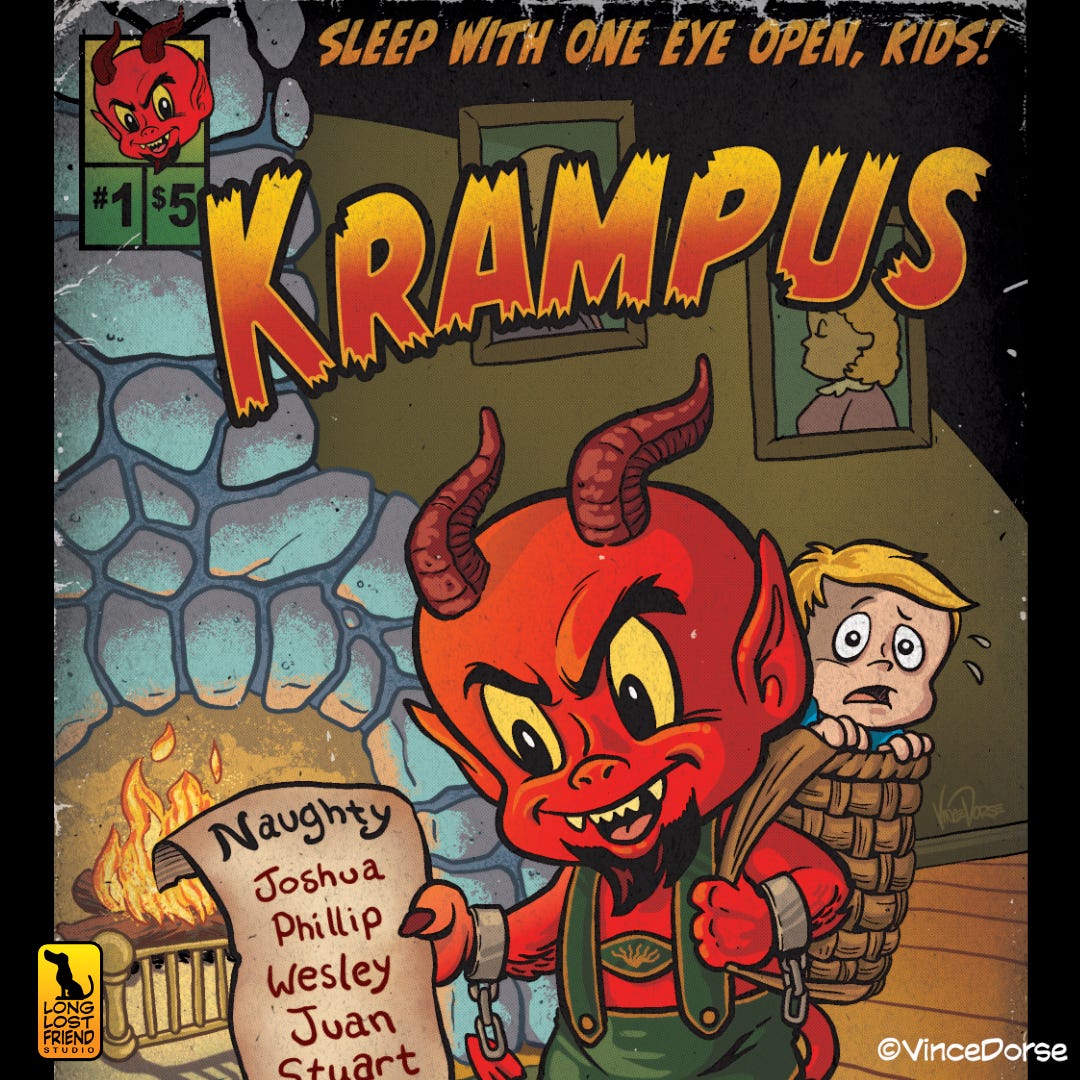
The best argument for free Affinity is that now anybody can access the same tools I paid hundreds (thousands?) of dollars to Adobe for years to access. There’s no impediment to learning basic digital art and design tools. Most beginner artists who want to try their hand at a digital workflow can jump in without going bankrupt. All you might need in addition to the app and a computer is a pressure sensitive drawing tablet to produce work that could earn you a paycheck.
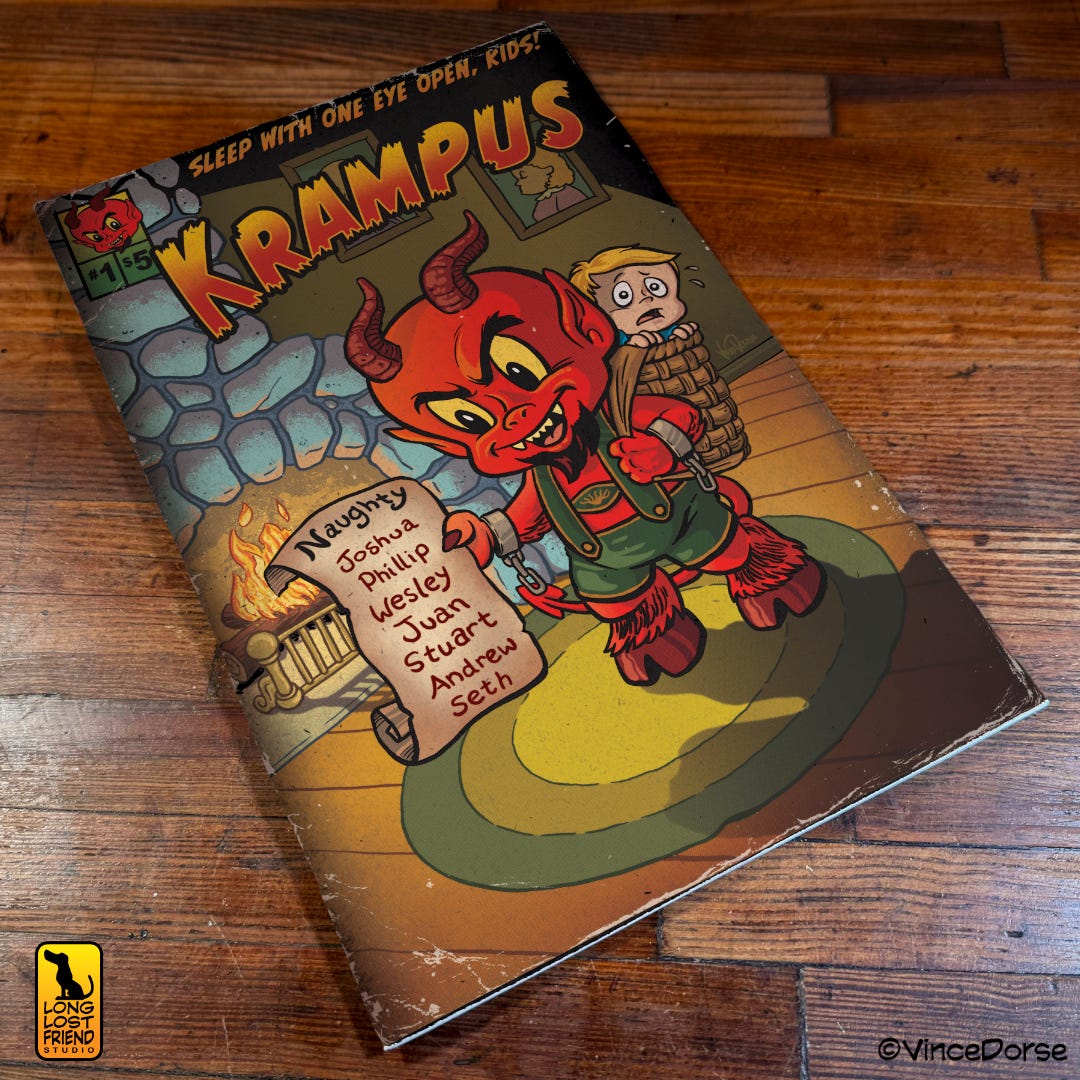
So do your research, yes. Debate, if you must. But Affinity is free. Relax. And download the software and try it. You can’t say it isn’t worth the money. All the questions you have about it will be answered somewhere down the line at zero risk. If you want to see us put together this simple illustration, the video’s available.